
Overview
This documentation outlines how to create & configure HTML template files for Creative Studio, including technical specs and file requirements.
Table of Contents
Questions?
|
Tool Owner |
Creative Studio team |
|
Slack Channel |
#alli-creative-engine |
|
Author |
GWD Directions
-
Ensure file has dynamic bindings set.
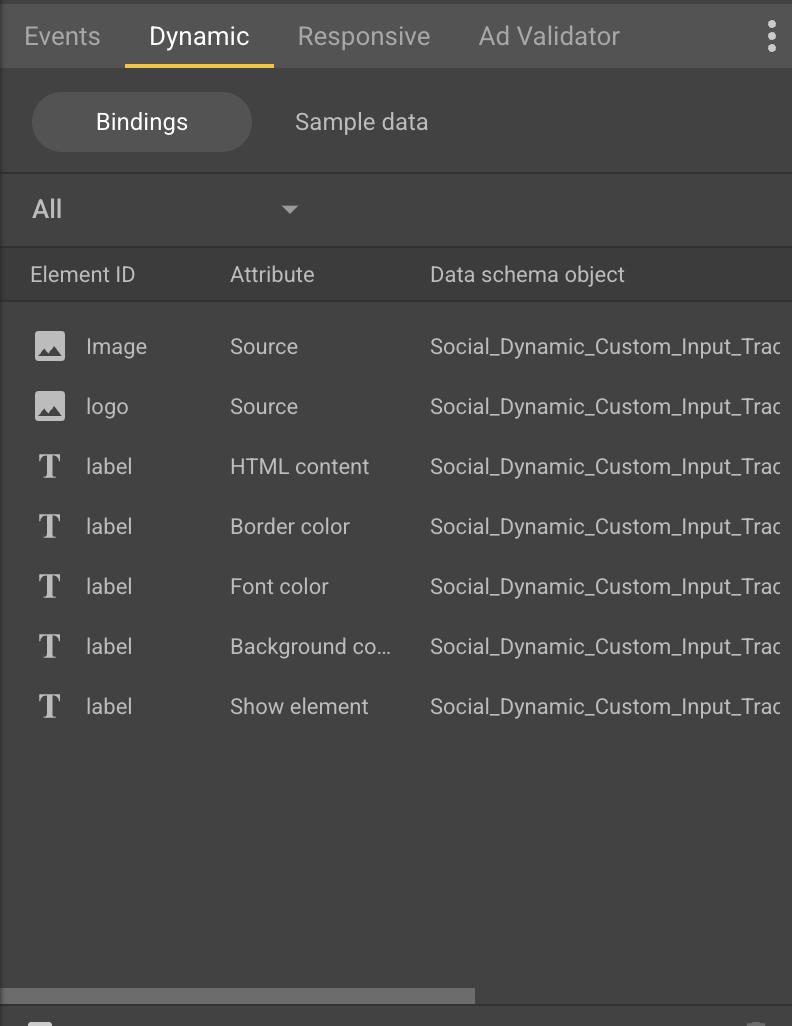
Page allows you to map GWD elements to objects from a feed.
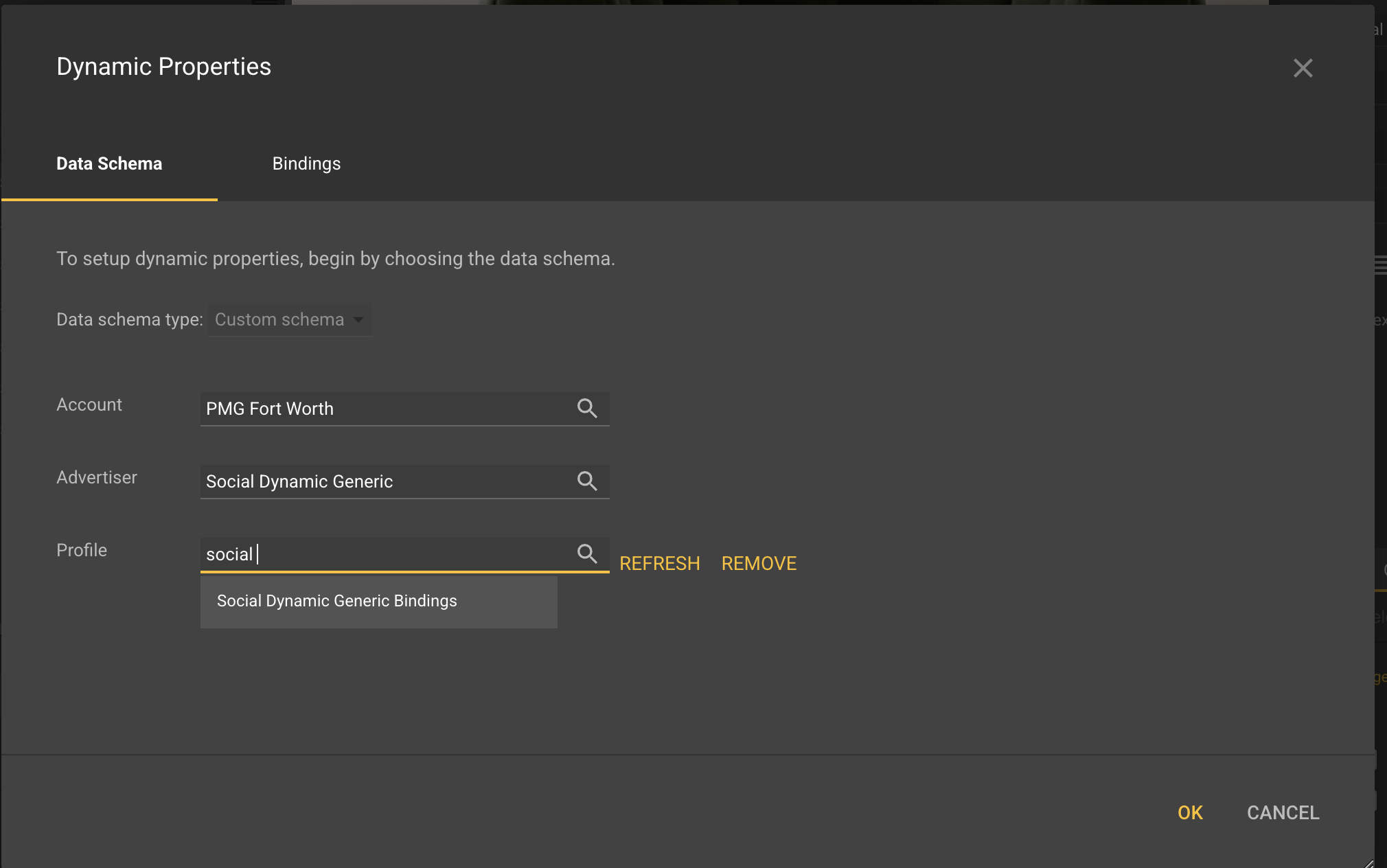
If these are not set, the easiest way to get this setup is to navigate to the Dynamic Properties and add the Social Dynamic Generic Bindings.
-
Select
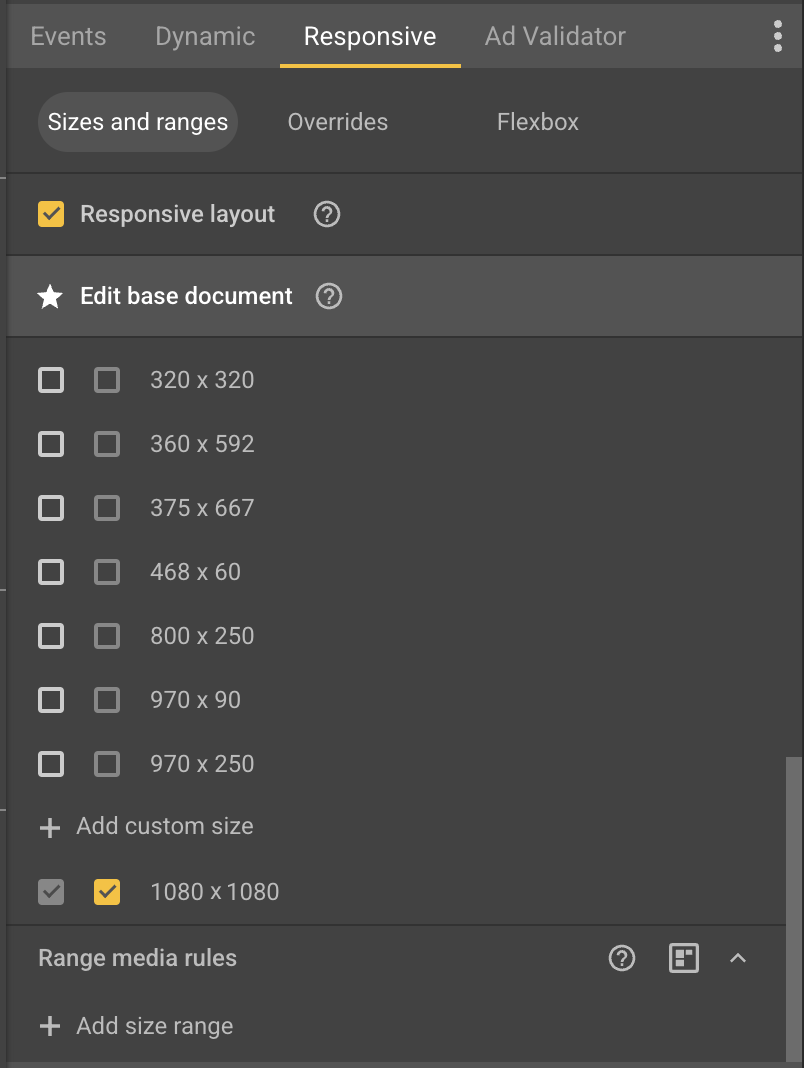
Responsiveand checkResponse layout.Select desired size.
-
Click
Publish. Checkinline local files, deselectExport sizes individually. Checkminify. Publish file.
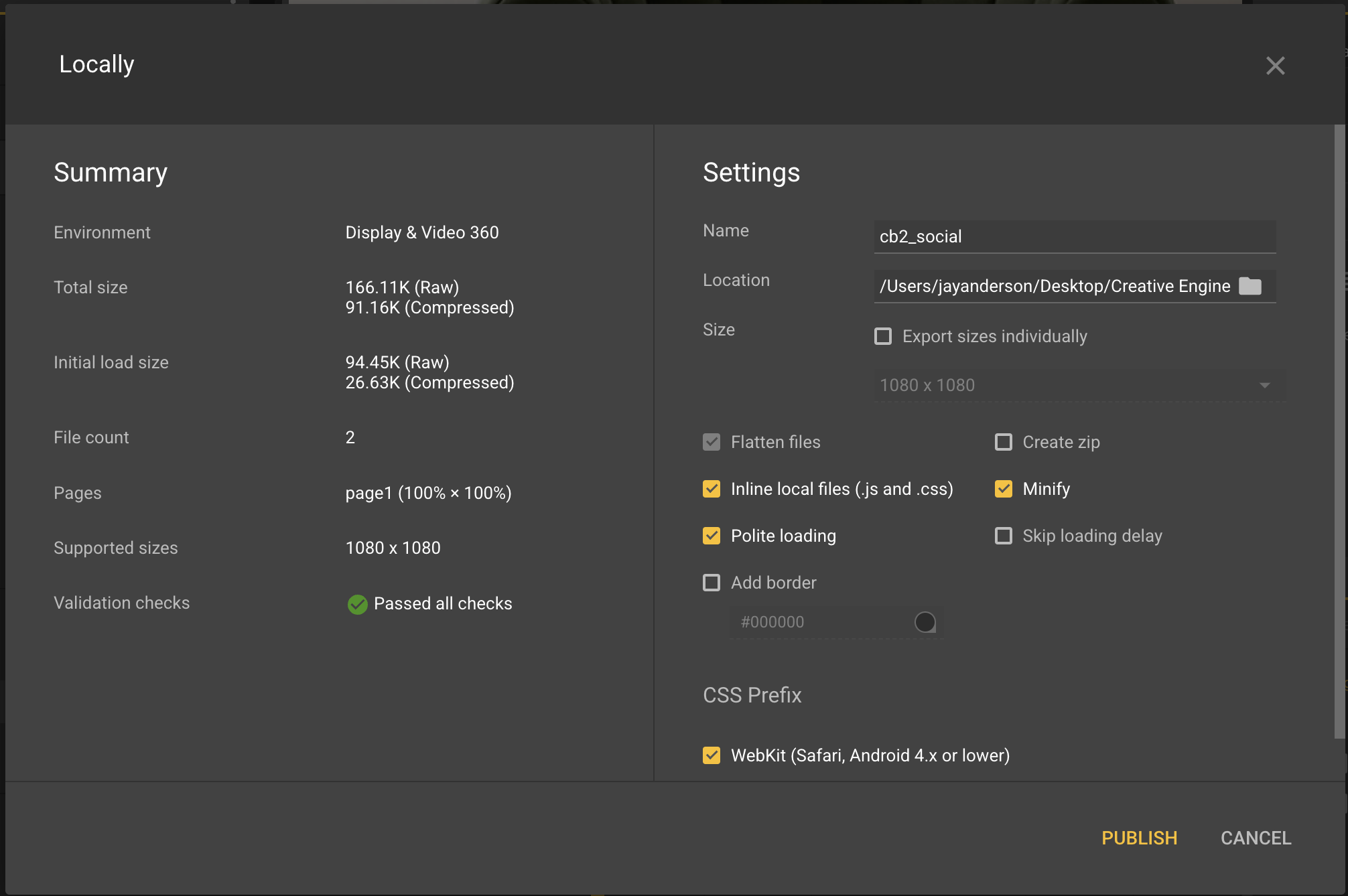
Outputted HTML is what you upload to Creative Studio.