
Utilizing the Instagram Graphs API, Alli is able to bring in PMG client’s owned Instagram posts for organic reporting and analysis
Datasource Setup:
-
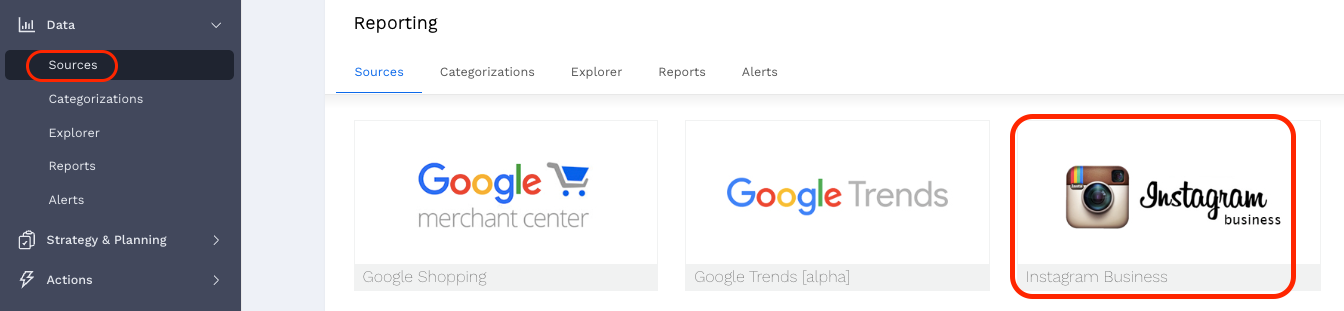
Navigate to Alli Data > Sources > Add New Datasource (top right) > Instagram Business:
-
Once the datasource has been created and named, transfer ownership of your new datasource to whoever owns the client instagram business account under the Advanced Settings > Current Owner
-
note that they must be given access to the Alli client before ownership can be transferred
-
Authentication:
-
Once the datasource has been shared with the owner, they can authenticate following these steps:
-
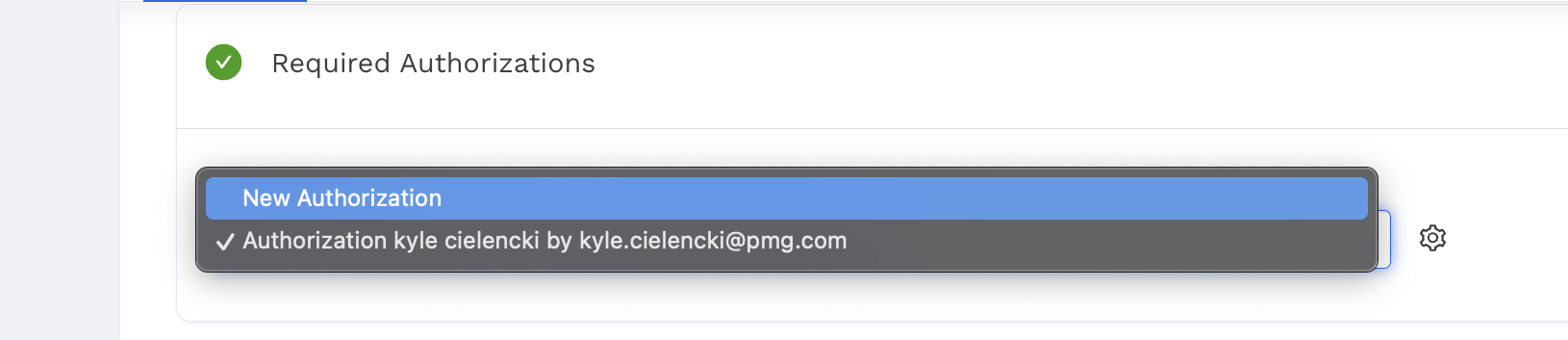
Required Authorizations > Authorization > Create New Authorization:
-
-
The user will need to select the following:
-
Opt in to all current and future Pages or Opt in to current Pages only
-
Opt in to all current and future Businesses or Opt in to current Businesses only
-
Opt in to all current and future Instagram accounts or Opt in to current Instagram accounts only
-
Note that it is generally easiest to permit access to all current and future pages, businesses, accounts, etc…
-
-
-
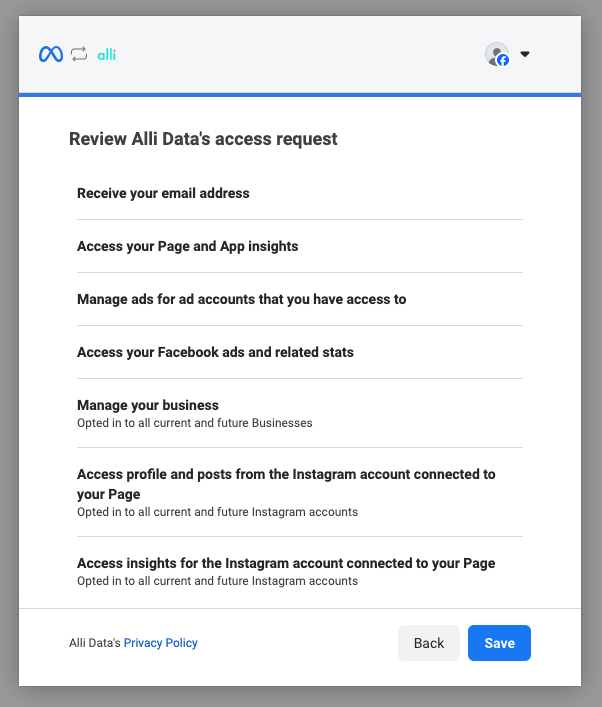
That will take the user to this page for the full data request:
-
Hit “Save”
-
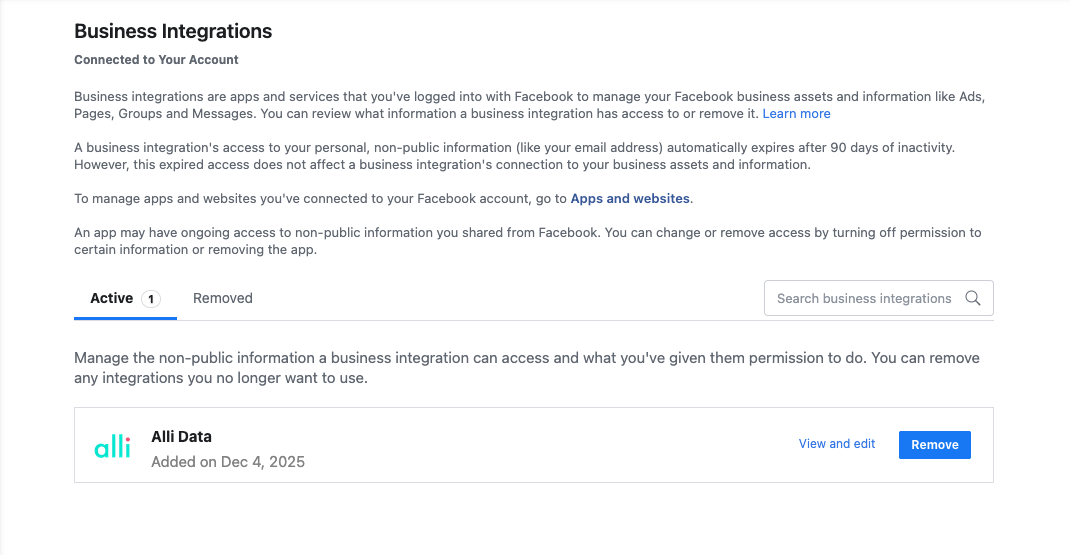
The user will be provided with a link to the Business Integrations page within their profile:
-
-
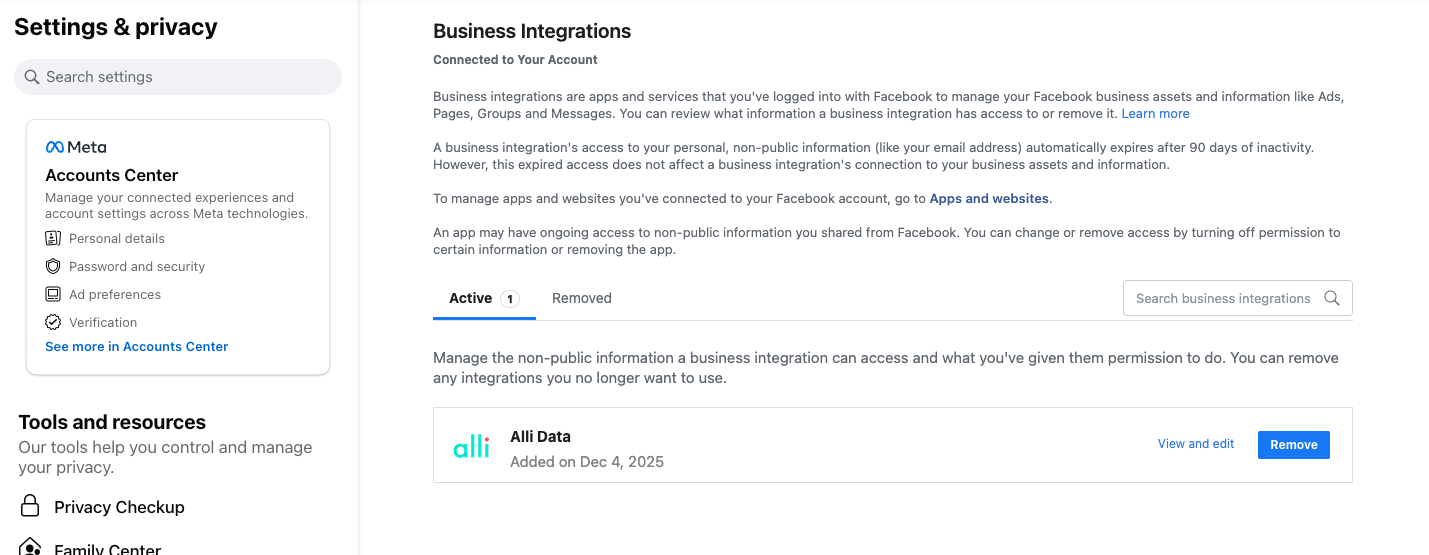
Business Integrations Settings within Facebook:
-
Within the Business Integrations Settings within Facebook, the user’s connection to Alli can be edited:
-
-
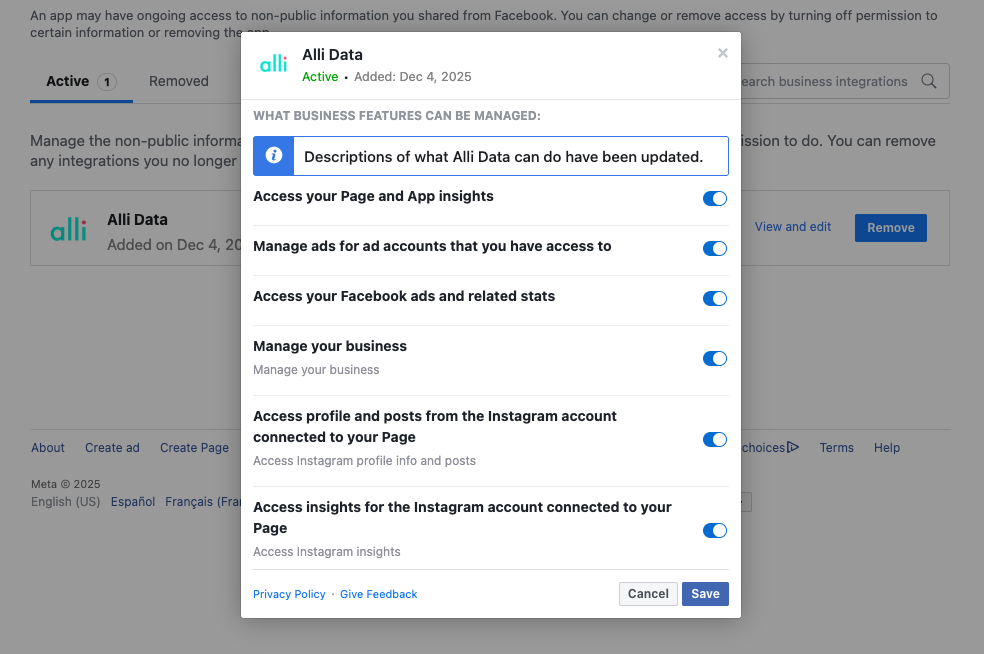
Within the “View and edit” window, it’s generally best practise to have all options selected:
-
Should there be any selections the user is not okay with, it’s best to work with their PMG contact to ensure Alli is still able to retrieve data from the connected account.
-
Note that the Alli Data connection will only retrieve insights through the API, it is not able to make posts, comments, or create anything within the user’s profile
-