
Overview
Calendars connector for Fiscal and Promo calendars to enable consistent reporting across Alli. This Imports the Airtable connector (a collaborative platform that blends spreadsheet simplicity with database functionality) to load the data and retain the source type values, Fiscal Calendar, and Promo Calendar.
|
Vendor/Partner |
Internal (but imports Airtable ) |
|---|---|
|
Version |
v2.0 |
|
API Documentation |
N/A (imports airtable Airtable API Docs) |
|
Sunset Date |
|
|
Channel(s) |
|
|
Refresh Time (CST) |
|
|
Default backfill |
N/A |
|
Alli Data Library |
|
Getting Started

To get started with the Calendars datasource ( Fiscal Calendar/ Promo Calendar), ensure you have the following:
-
Access to an Airtable Base
Required Authorization
-
Click the
Request Accessbutton to log in to your Airtable instance and assign which base you want to give Alli access to. -
Standardize the Airtable Table/Report names as
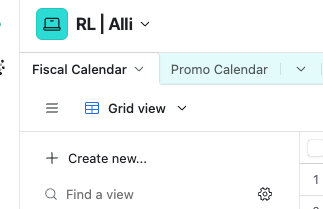
Fiscal Calendar/Promo Calendaras required.
Define your Data
Fiscal Calendar Dimensions
|
Name |
Description |
|---|---|
|
|
Date |
|
|
Fiscal Year |
|
|
Fiscal Quarter |
|
|
Fiscal Month |
|
|
Fiscal Week |
|
Additional columns can be customized |
|
Promo Calendar Dimensions
|
Name |
Description |
|---|---|
|
|
Start of Promotion |
|
|
End of Promotion |
|
|
Country in which the promo was like |
|
|
The Occasion or Theme of the promotion |
|
|
The category or mechanic of the offer |
|
|
where or how the promotion is offered |
|
|
Name of the promo |
|
|
contains the offer |
|
|
The client-readable promo name |
|
Additional columns can be customized |
|