Most users no longer need to create or manage ChatGPT credentials—our system now uses a pre-configured enterprise token behind the scenes. This means you're ready to use any ChatGPT Template out of the box.
If you do not want to use the enterprise token, and instead want to supply your own - reach out to the Workflows team for more information.
Creating a ChatGPT API Key
-
Head over to OpenAI's API homepage.
-
Click Sign Up.
-
Sign in or create an OpenAI account.
-
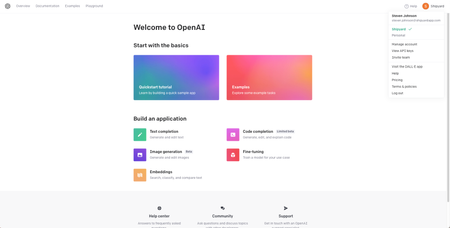
Once you are signed in, you will be redirected to this page.
-
Click in the top right corner to open the profile dropdown menu and click View API Keys.
-
Click Create new secret key.
-
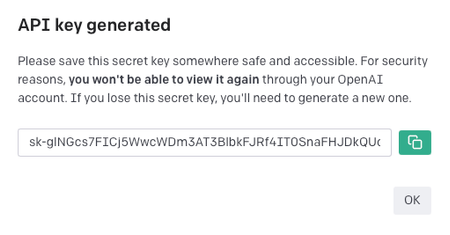
Click the green button to copy your API key and store it somewhere safe. This value will be used for every ChatGPT Template.