
Overview
The Marketplace has a number of solutions that can extend how you use Alli. This how-to article walks you through how to browse the existing solutions.
Instructions
-
From the left-hand side navigation, select Marketplace. This will show all of the custom apps that are currently set up for the selected customer.
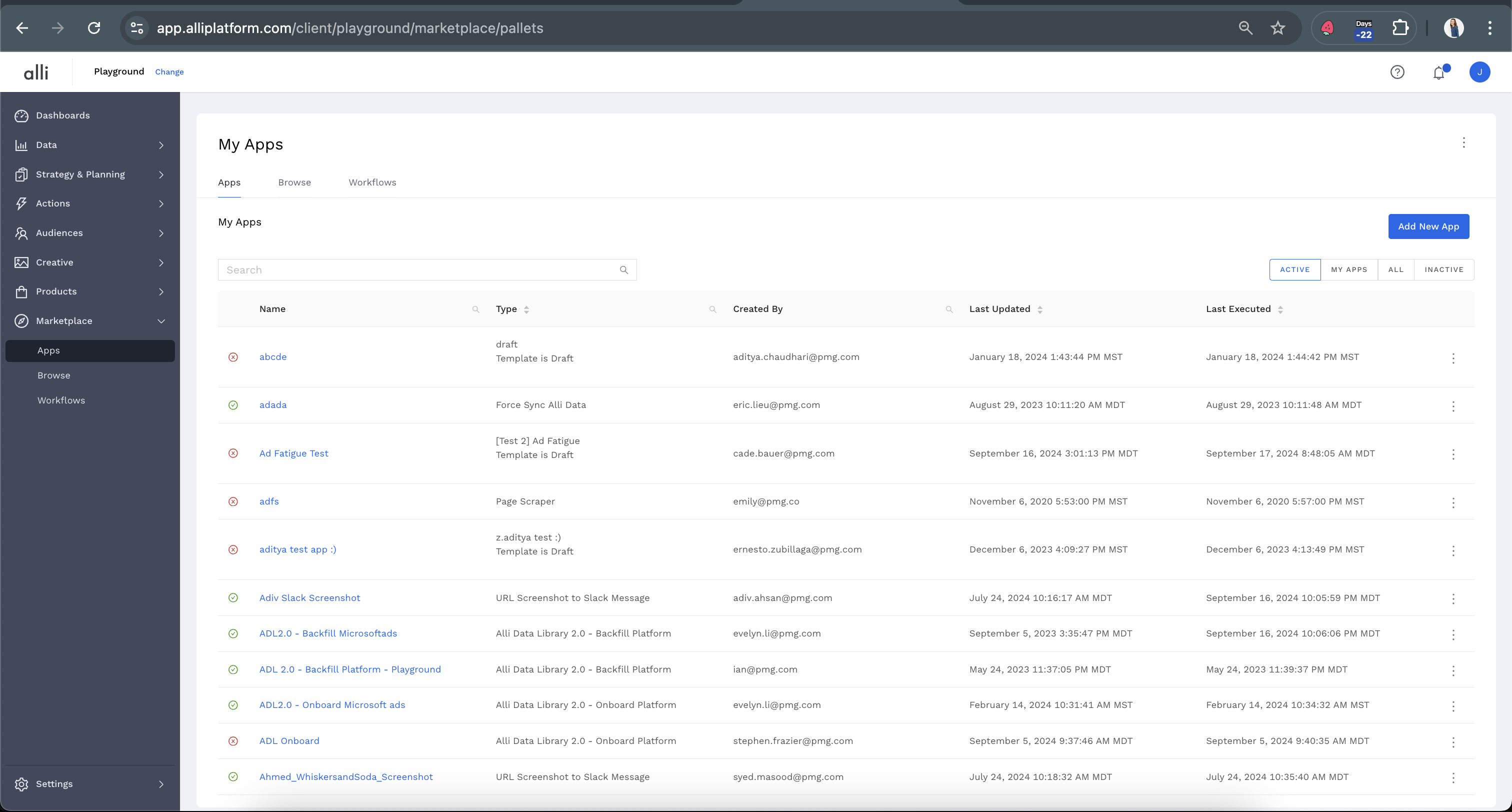
-
From the left hand side navigation, select Browse. This will show a list of available templates you can use.
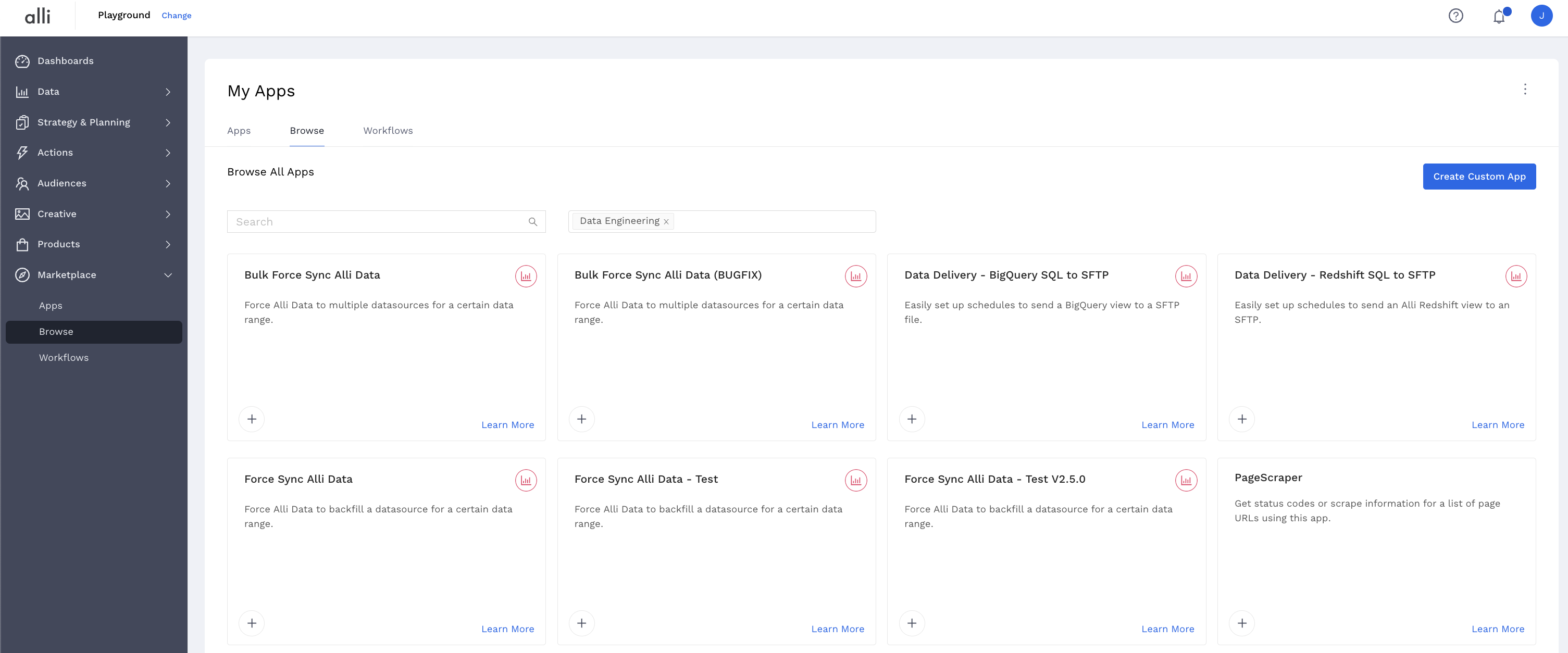
PMGs Alli tech teams can create additional custom solutions for you and your team if needed. If you have an idea for a task that is tedious and manual, reach out via the support portal to talk through potential solutions
Related articles
- How-To: Connect your Google Sheet to Actions
- How-To: Disable or Remove an Installed App
- How-To: Set Up a New Workflow
- How-To: Pull Data for TikTok Trends
- How-To: View Error Messages on an Action That Ran
- How-To: Filter Alli Data Reports by Date to Power Actions - Tips & Tricks
- How-To: Understanding Version Statuses
- How-To: Create a Scheduled Version
- How-To: Weather API App
- How-To: Set Up Brand Media Pacing Datastudio Dashboard
- Tutorial: Adding Negative Keywords to Google Ads
- How-To: Test Your Action
- How-To: Using the Execution Log
- How-To: Setup Weather Budget Adjuster
- Tutorial: TheTradeDesk - Brand Safety Alerts
- How-To: Disable or Remove an Action
- How-To: Pull Moloco Platform Data
- How-To: Schedule Your Action to Run
- How-To: QA your app
- How to: Connect to Google Ads
- Tutorial: How to Automatically Delete and Backfill a Datasource on Schedule
- How-To: Write Custom Code Task
- Tutorial: How to Implement a Social Bid Modifier 2.0
- How-To: Browse & Explore Available Solutions
- How-To: Create BigQuery View
- How-To: Pull Unity - Aura Platform Data
- How-To: Use Weather API Connector within Alli
- How-To: Pull Remerge Platform Data
- How-To: Delete a Version
- How-To: Add & Manage Webhook Triggers
- How-To: Onboarding Alli Social Budget Consolidation
- How-To: Schedule an App to Run
- Audience Planner Templates Overview
- How-To: Brand Media Screenshot Calendar Tool
- How-To: Run an Action One-Off with Manual File
- How-To: Handle Common Types of Actions Issues
- How-To: Pull inMobi Platform Data
- How-To: Execute a Webhook Trigger
- How-To: Setup Social Ad Bloat
- How-To: Use/Install A Template
- How-To: Set Up a Manual Upload Action
- How-To: Duplicate Versions
- How-To: Use the ChatGPT “Generate” Function to Create Ad Copy
- How-To: Pull AppsFlyer Reports to Upload into Alli Data
- How-To: Manage Partner Platform Authentication in Actions
- How-To: QA Your Action Runs
- How-To: Pull Applovin Platform Data