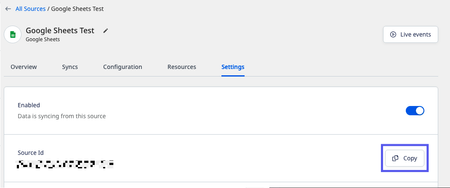
To get started with any RudderStack Blueprints, you will need to create an Access Token. This Access Token is a secure way for Workflows to access RudderStack and will be required for every RudderStack Blueprint. Additionally, you will need to know where to find your Source IDs.
Create a RudderStack Access Token
-
Sign in to RudderStack
-
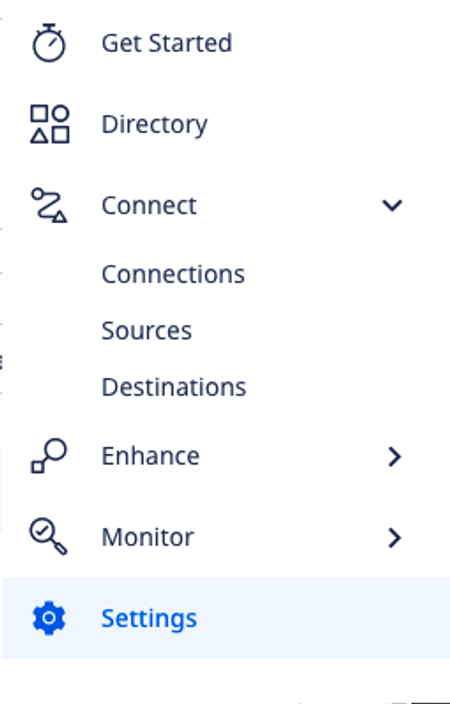
On the sidebar, click Settings.
-
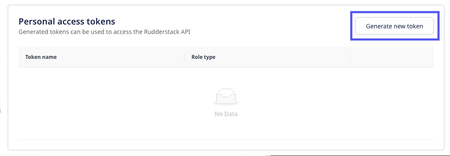
Scroll to the bottom until you see Personal Access Tokens.
-
Click Generate new token
-
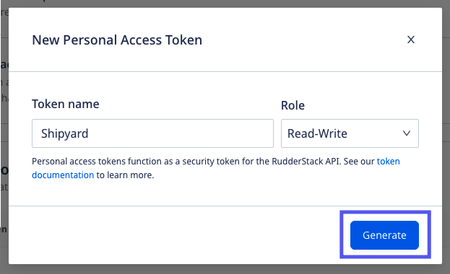
Provide a descriptive Token name like "Workflows".
-
Select the "Read-Write" Role.
-
Click Generate.
-
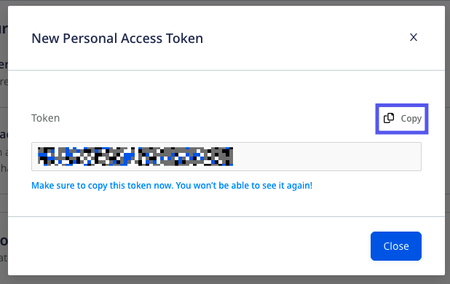
Copy the personal access token and store it in a safe place. You'll need this for every RudderStack Blueprint.
Getting your Source ID
There are 3 places you can find your Source ID.
Main Dashboard
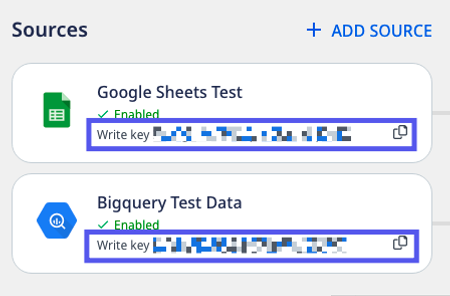
On the main dashboard, the Source ID is found underneath every source card.
Source Overview
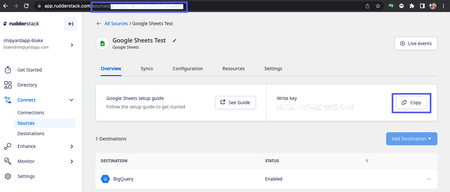
When the source is selected, the Source ID is available both in the URL and under the Write key section.
Source Settings
When you're on the source settings page, the Source ID is visible.

Helpful Links