Start by taking a copy of this spreadsheet:
https://docs.google.com/spreadsheets/d/1-V_FjcTtlK1vyuwKy3duZ2kTyCrgWO3O-XU-A7YI6lo
In your new sheet, take the url, and copy the ID:
https://docs.google.com/spreadsheets/d/{your-id-is-here}/
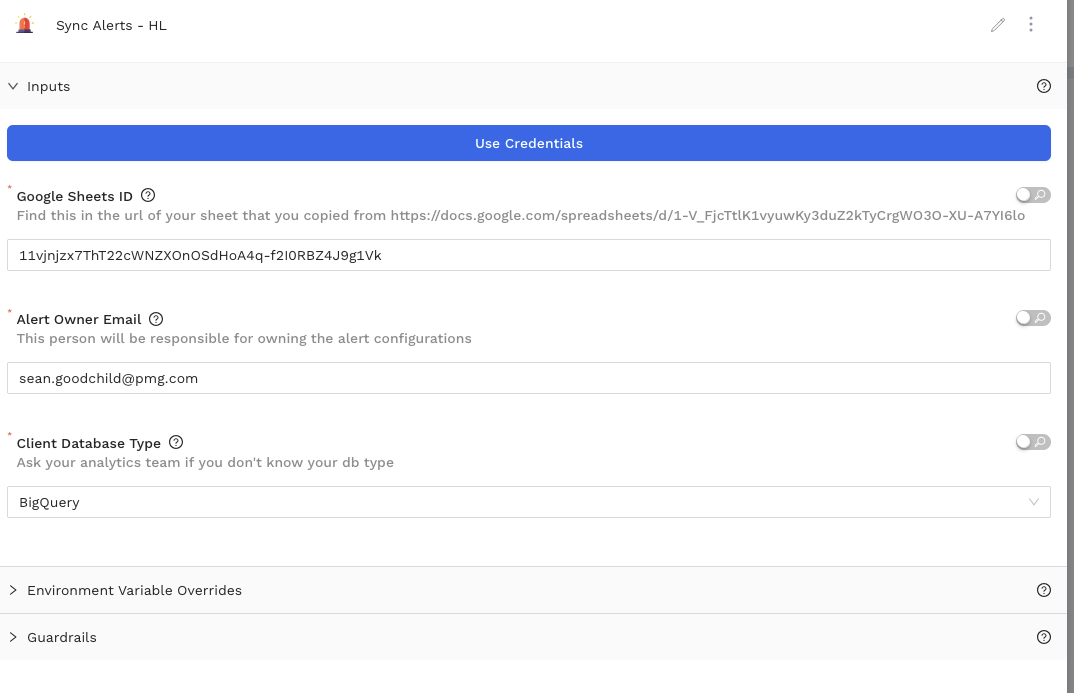
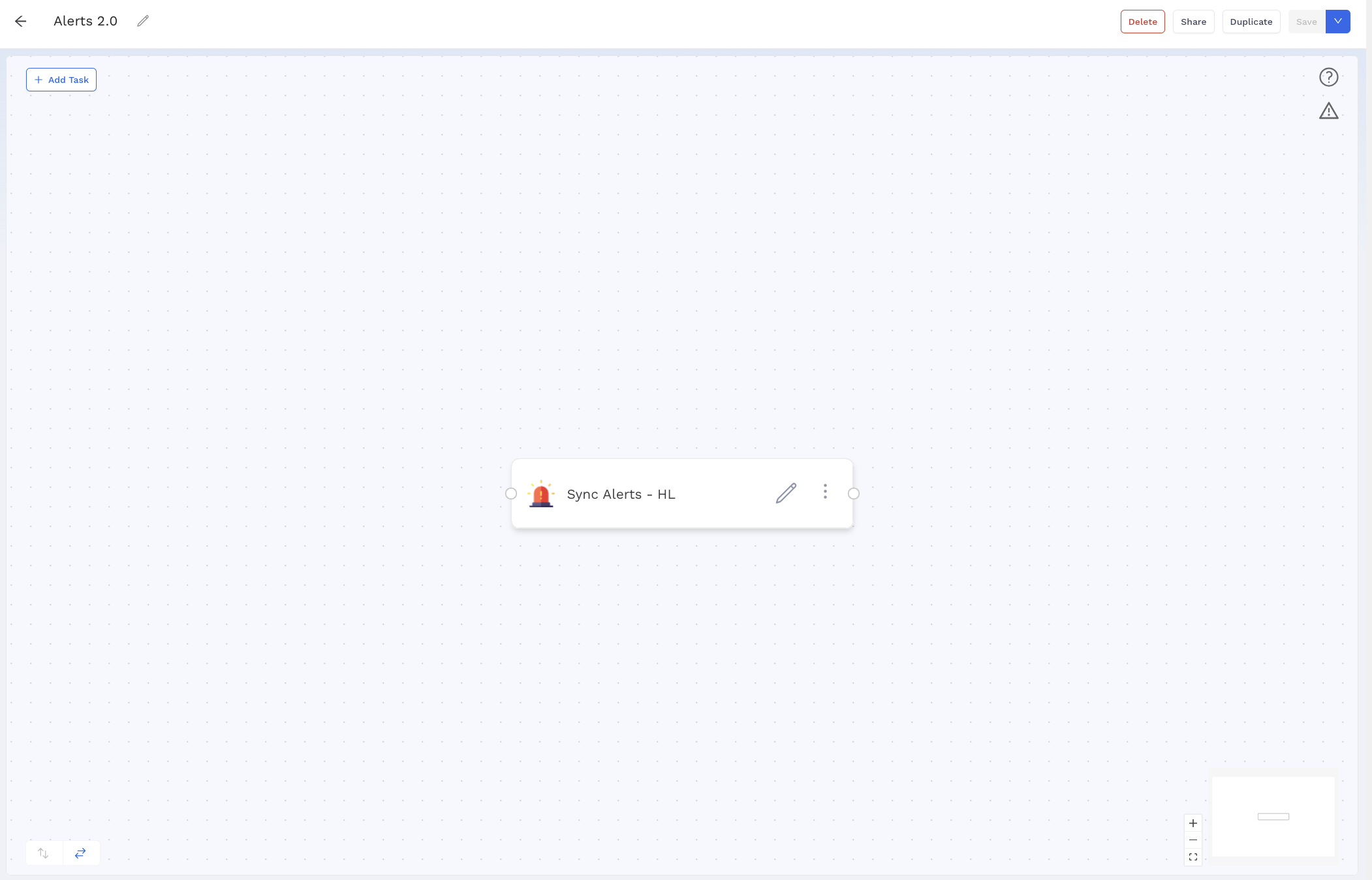
Set up a new workflow, and add in ‘Alerts Manager’ and provide this id, your email, and the database type.
In the US, this is typically redshift. In EMEA, it’s almost certainly BigQuery.
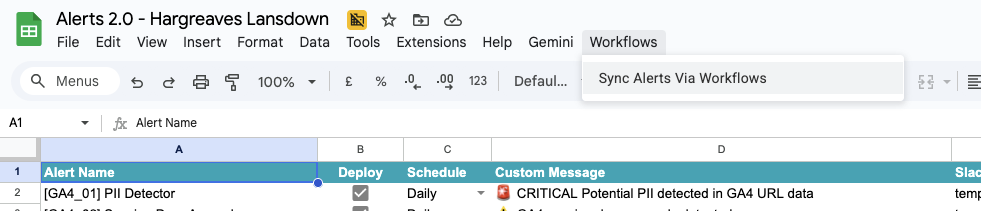
Make sure to schedule the workflow to run regularly - but you can also trigger runs on-demand via the toolbar at the top of your copy of the Google sheet.
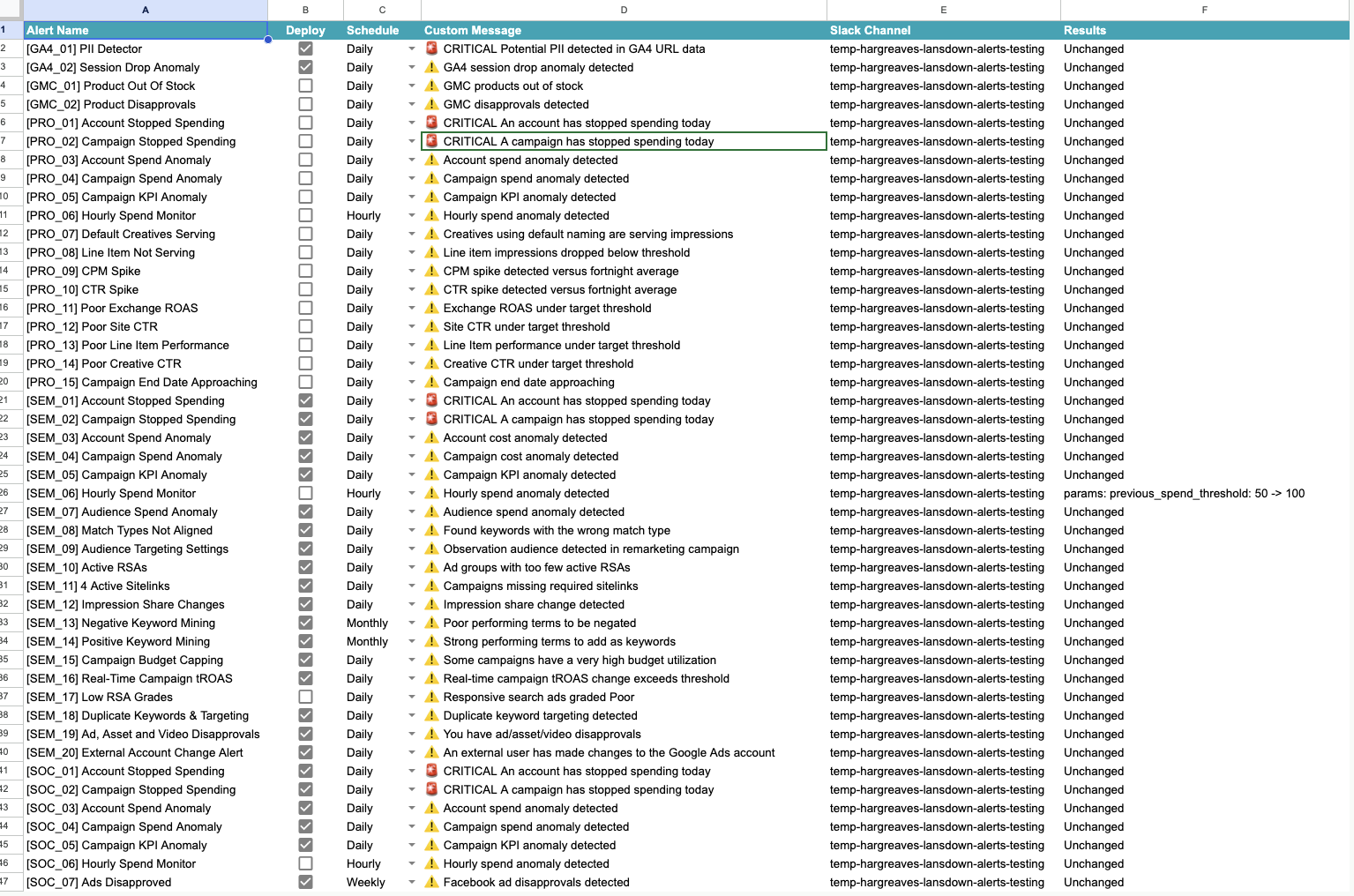
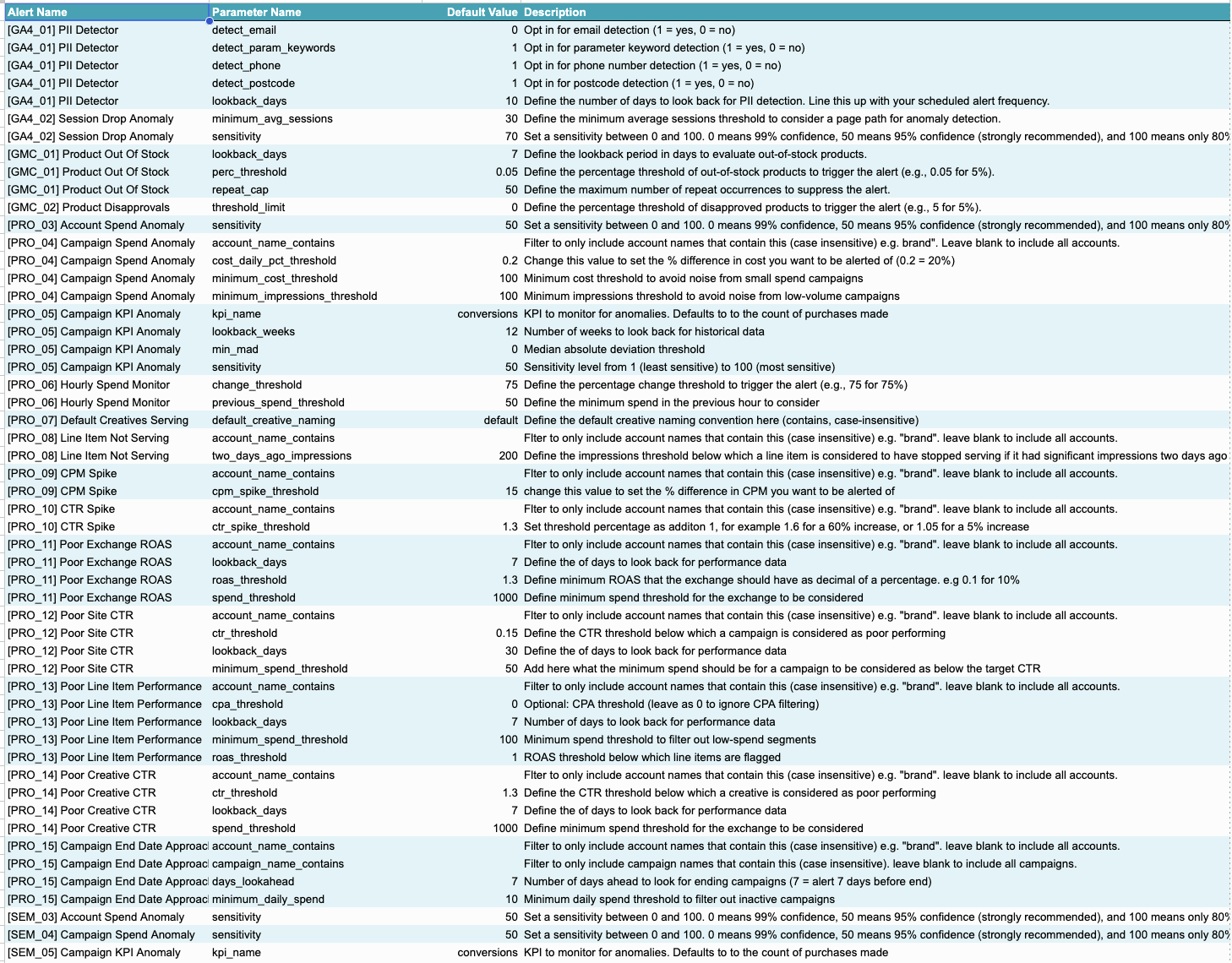
Add schedules and generate your webhook url via this screen:
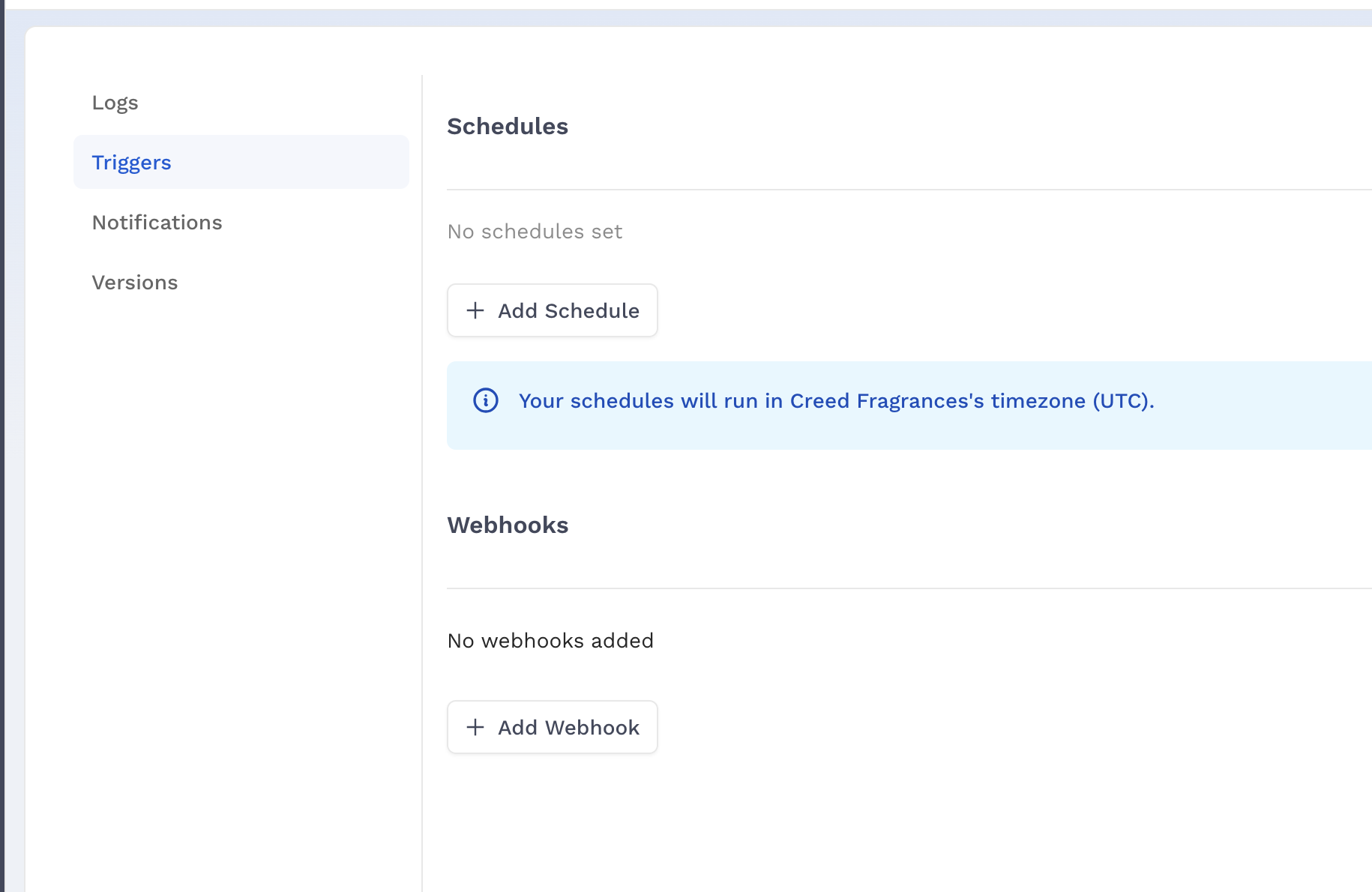
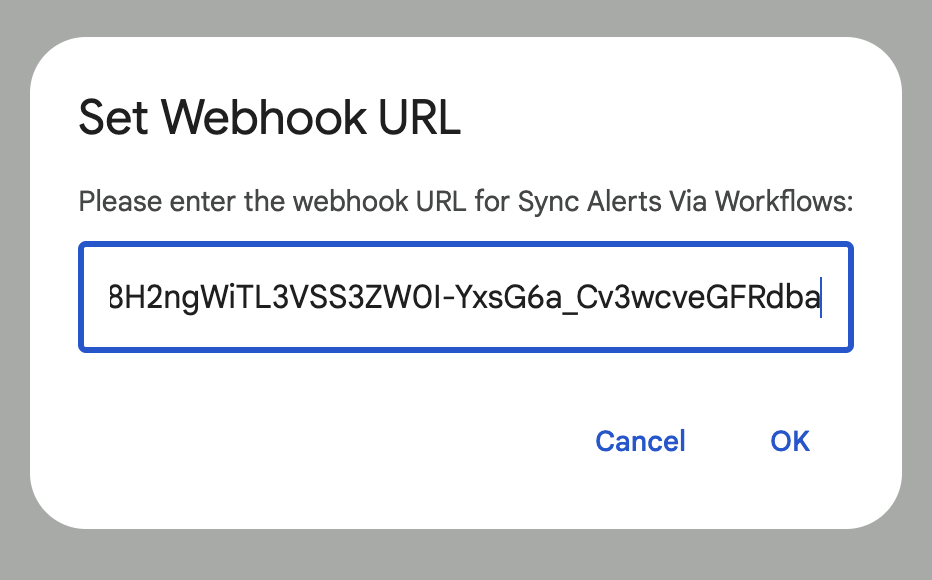
You’ll be prompted to provide your newly generated webhook url when you go to run a sync via the sheet