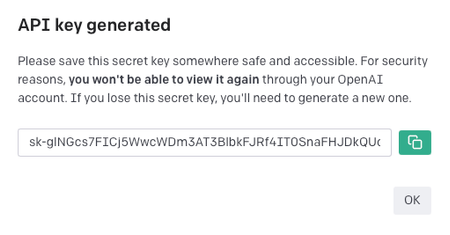
To get started with any ChatGPT Blueprints, you will need to create an API Key. This API Key is a secure way for Workflows to access ChatGPT and will be required for every ChatGPT Blueprint.
Creating a ChatGPT API Key
-
Head over to OpenAI's API homepage.
-
Click Sign Up.
-
Sign in or create an OpenAI account.
-
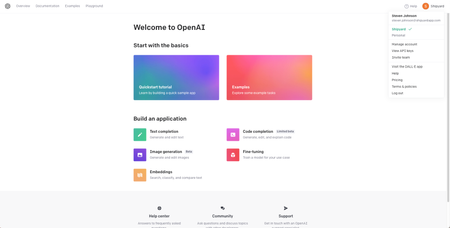
Once you are signed in, you will be redirected to this page.
-
Click in the top right corner to open the profile dropdown menu and click View API Keys.
-
Click Create new secret key.
-
Click the green button to copy your API key and store it somewhere safe. This value will be used for every ChatGPT Blueprint.